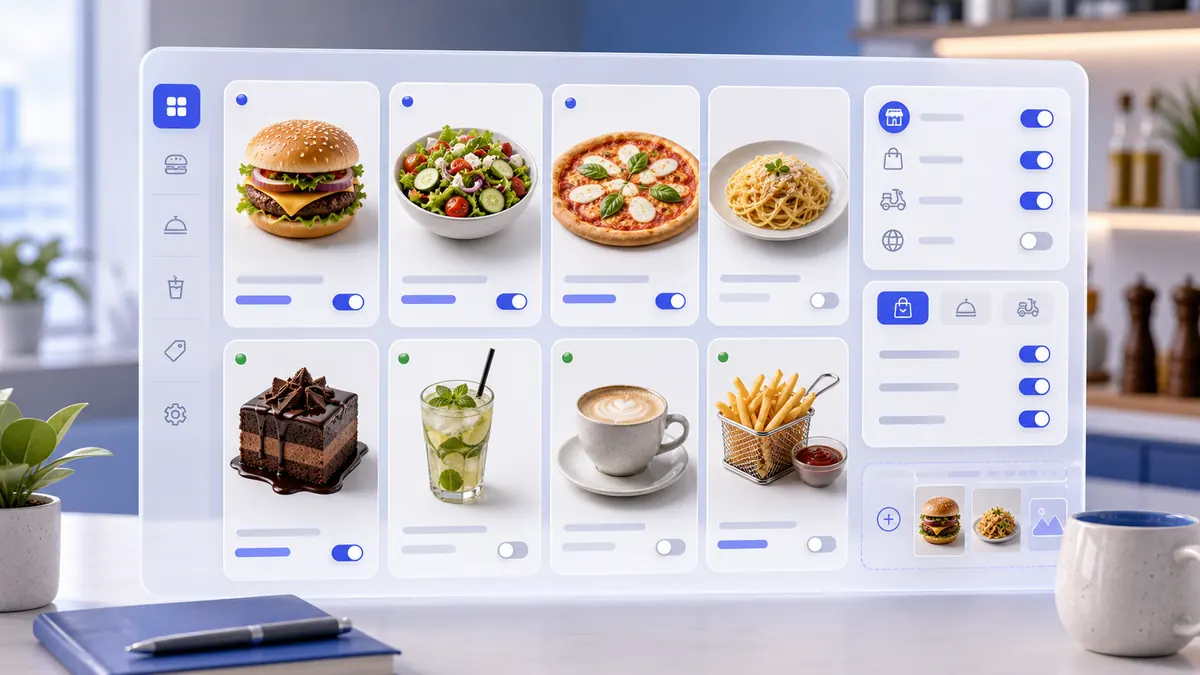
Step-by-step instructions
A manager can create a category that products can use for catalog structure, customer navigation, POS search, reports, and later AI explanations.
Use the interactive screenshot walkthrough first. Switch steps with the step dots, then read what to fill and why it matters.
Fields on this screen
Product Categories list
How to fill: Start from the list and check whether the group already exists.
Why: This avoids duplicate categories such as Lunch Bowls and Bowls.
Add
How to fill: Click Add to create a new category in the current company.
Why: The app creates an ID and opens a form tied to the workspace.
Available
How to fill: Keep enabled only when the category is ready to be used.
Why: An active category can organize real products and customer menus.
Available in the app
How to fill: Enable if customers should see the category in the app.
Why: Disable for internal-only groups or draft categories.
Web
How to fill: Enable if the category should appear on web ordering.
Why: Online menus can be controlled separately from POS.
Kiosk
How to fill: Enable if self-service kiosks should show this group.
Why: Kiosk menus should stay simple and relevant.
Delivery
How to fill: Enable if products in this category can be delivered.
Why: Fragile, dine-in-only, or service items can be hidden from delivery.
Pickup
How to fill: Enable if products in this category can be ordered for pickup.
Why: Pickup availability may differ from delivery.
Dine-in
How to fill: Enable if the category should be used inside the establishment.
Why: Dining-room ordering can have its own structure.
Catering
How to fill: Enable if this group belongs to catering orders.
Why: Event menus and quantity rules are often different.
Services
How to fill: Enable only for service categories.
Why: Service categories should not pollute food or retail menus.
Photo
How to fill: Upload a square 1:1 image, recommended 300 x 300 or larger.
Why: A clear visual makes category cards easier to recognize.
Category name
How to fill: Type the short category name in the current interface language.
Why: This name is visible in catalog navigation and selectors.
Name translations
How to fill: Open the three-dot translation control and fill enabled languages.
Why: Multilingual companies need consistent category labels across interfaces.
Save
How to fill: Save after switches, media, and names are checked.
Why: Saved data becomes the source for products, menus, reports, and AI agents.
Verify
How to fill: Return to the list and search or inspect the saved row.
Why: Verification confirms the category exists and can be reopened.
Common mistakes
- Creating a product before the category exists, then leaving the product uncategorized.
- Using one language only when the company has several enabled interface languages.
- Turning on customer app, web, or kiosk visibility before the category has a clear name and photo.
- Leaving delivery, pickup, dine-in, and catering switches enabled when the category should be limited to one order type.
- Using Services for normal product categories.
- Uploading a wide banner instead of a square category image.
- Saving without verifying the row in Product Categories.
AI Agent Field Reference for implementation
This block is intentionally below the human instructions. It explains storage names and downstream dependencies for automation, support, and future AI agents.
| Field | Stored as | Purpose | Why it matters |
|---|---|---|---|
| Category ID | category_products.id | Unique category identifier. | Products, order items, catalog filters, support logs, imports, and AI agents need a stable category reference. |
| Company | category_products.company_id | Company workspace that owns the category. | Prevents categories from one company appearing in another company's catalog. |
| List number | category_products.number | Order number used by the category list. | Managers use it to keep menu groups in a predictable order. |
| Available | category_products.available | Main active flag for the category. | Unavailable categories should not be used as active sellable catalog groups. |
| Name translations | category_products.name[] | Category name per enabled language. | Catalogs, customer screens, staff search, receipts, and AI answers need the right category name in the current language. |
| Photo | category_products.photos | Square media object for the category card. | Images help staff and customers recognize the group faster than text alone. |
| Available in the app | category_products.AvilableApp | Whether the category is visible in the customer app. | Internal categories can stay hidden from customer-facing screens. |
| Web | category_products.web | Whether the category is visible on web ordering screens. | Web menus should not show groups that are not ready for online orders. |
| Kiosk | category_products.kiosk | Whether the category is visible on kiosk screens. | Kiosk navigation needs a focused, customer-safe category list. |
| Delivery | category_products.delivery | Whether the category can be used for delivery orders. | Some products are not suitable for delivery; the category can hide them from that flow. |
| Pickup | category_products.pickUp | Whether the category can be used for pickup orders. | Pickup menus can differ from delivery, dine-in, or catering menus. |
| Dine-in | category_products.dinein | Whether the category appears for in-location dining. | Restaurant floor orders can use different categories than online channels. |
| Catering | category_products.catering | Whether the category appears for catering orders. | Catering menus often need larger-format or event-specific groups. |
| Services | category_products.service | Whether the category belongs to service workflows instead of product/menu workflows. | Service categories should not be mixed with food or retail product categories unless the business model needs it. |
| Establishments | category_products.establishments[] | Location IDs where the category is available. | Location scoping prevents products from appearing in branches that do not sell that category. |
| Created at | category_products.created_at | Timestamp when the category row was created. | Useful for audit history and setup troubleshooting. |
| Updated at | category_products.updated_at | Timestamp when the category row was last changed. | Support and AI agents can explain whether category data is fresh. |
| Reload marker | company.loadcategory | Company timestamp used to reload category data. | Native or bulk changes need this marker so the app refreshes Product Categories. |
Related guides
Use these guides to connect this section to adjacent SABSUS workflows.