SSABSUSAcademy
SABSUS system guide

Documentation for the whole SABSUS platform

Screenshot-first SABSUS instructions. Start with company creation, then configure company settings, accounts, establishments, warehouse, and workshops before moving to the rest of the system.

StackStatic HTML
Ready guides1
Section guides31
Primary flowSetup first
Captured

1. Create Company

Create the workspace and owner profile, then open company settings.

Setup step

2. Company Settings

First configure the company profile: logo, legal name, languages, addresses, tax behavior, and operational switches.

Setup step

3. Accounts

Create the finance accounts used for cash, safe, payment terminal, bank, online payments, and internal settlements.

Setup step

4. Establishments

Create the real operating branches: store, restaurant, bar, delivery point, warehouse point, or service location.

Setup step

5. Warehouse

Create storage locations before products start tracking stock or workshops consume ingredients.

Setup step

6. Ingredient Categories

Create ingredient categories for raw materials, supplies, stock, purchasing, technical cards, and warehouse reporting.

Setup step

7. Ingredients

Create raw materials with names, categories, units, media, barcodes, stock rules, nutrition values, and processing-loss data.

Setup step

8. Workshops

Create production areas after establishments and warehouse are ready.

Setup step

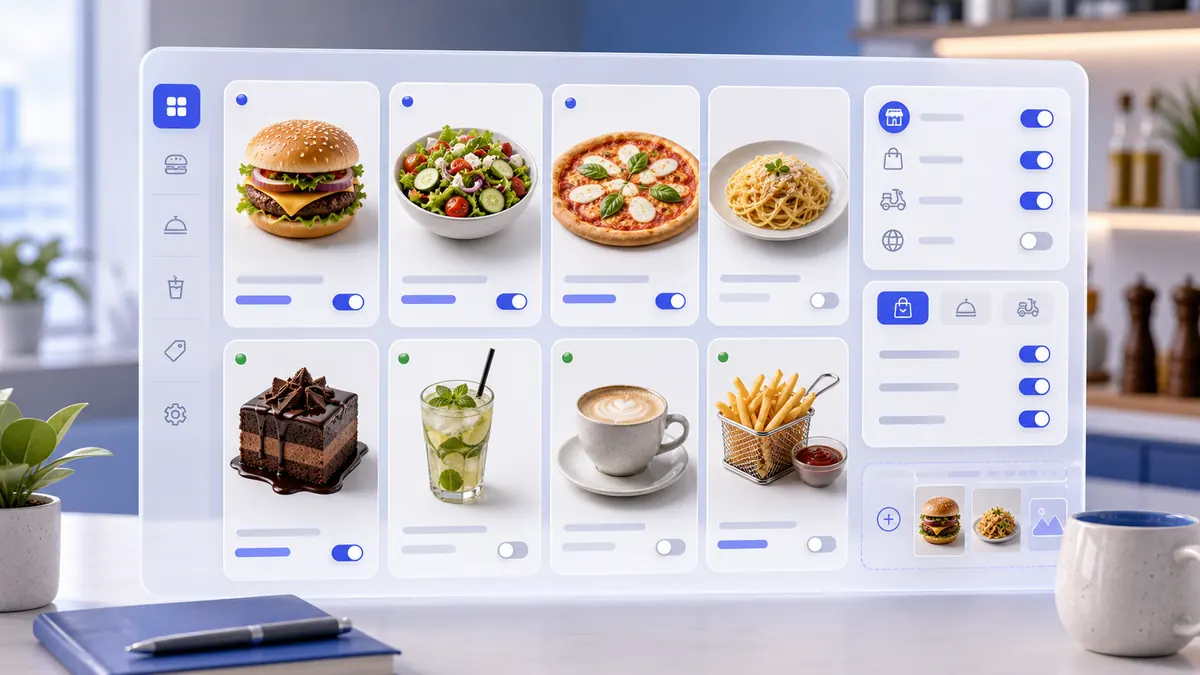
9. Product Categories

Create product categories with availability, customer-channel visibility, order-type visibility, media, translations, and a saved list row.

Setup step

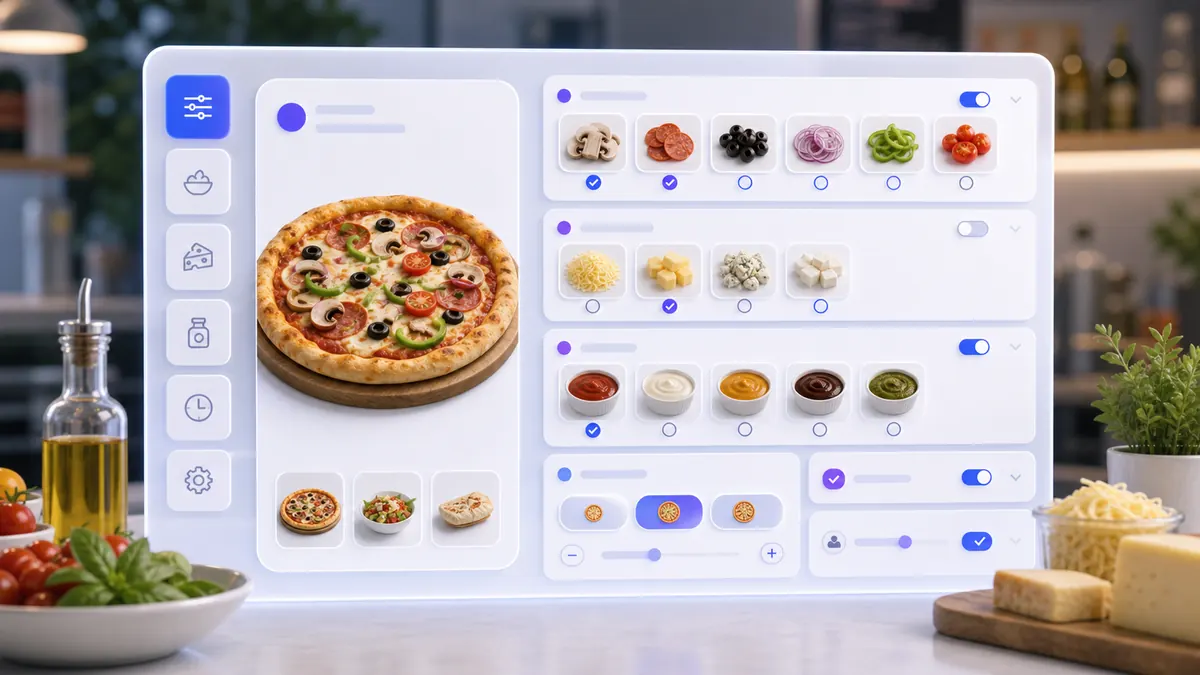
10. Modifier Sets

Create modifier sets for products: toppings, sauces, sizes, add-ons, product specifications, and other controlled option groups.

Section Guides

Each section should be captured from the real SABSUS interface. The human instruction and screenshots are first; technical field references are below the guide.

Section guide

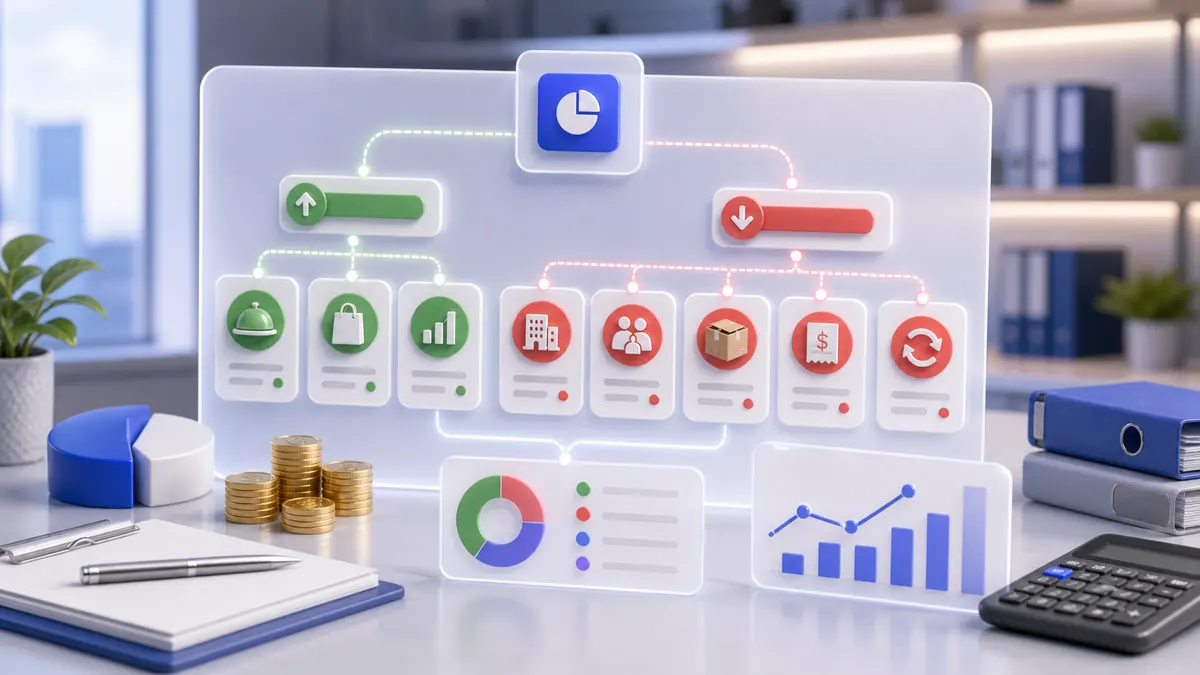
Transaction Categories

Create the finance categories used to explain why money comes in or goes out: ingredient purchases, rent, salary, fees, refunds, revenue, and other transaction reasons.

Section guide

Transactions

Create manual finance movements: income, expenses, and transfers between company accounts.

Section guide

Payment Methods

Create the payment methods staff and customers can use: cash, card, QR payment, and integration-backed online payment.

Section guide

Products

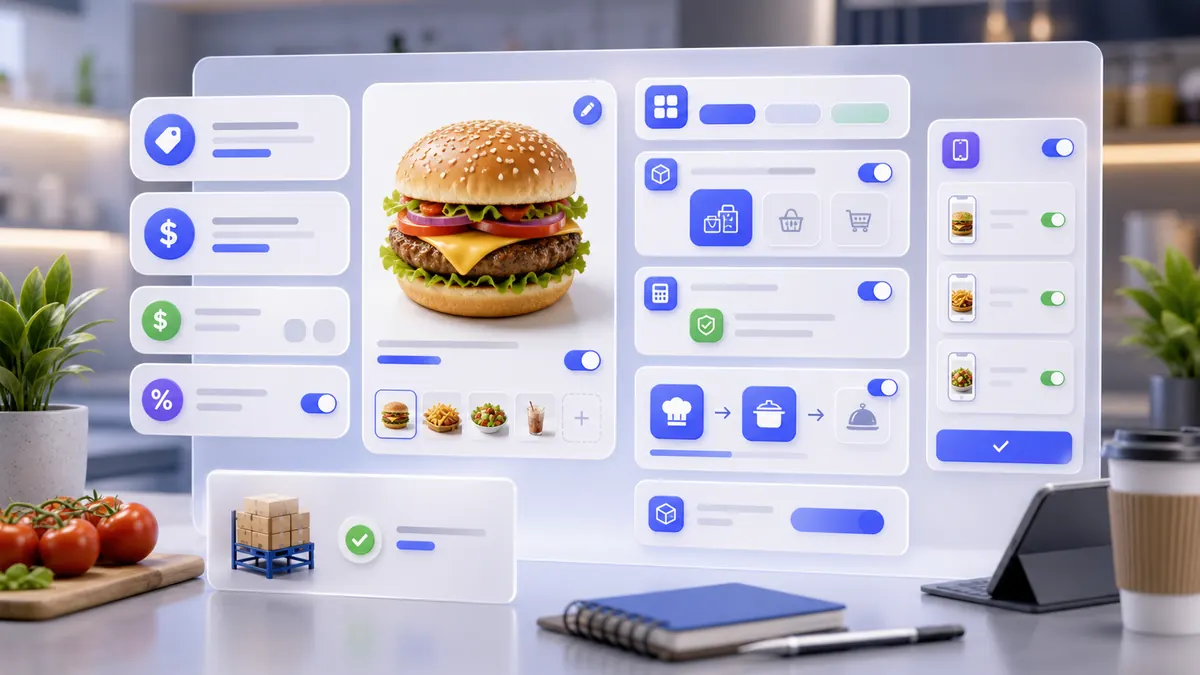
Create sellable products with real media, multilingual names, categories, taxes, prices, production routing, stock behavior, modifiers, nutrition, packaging, and channel visibility.
Section guide

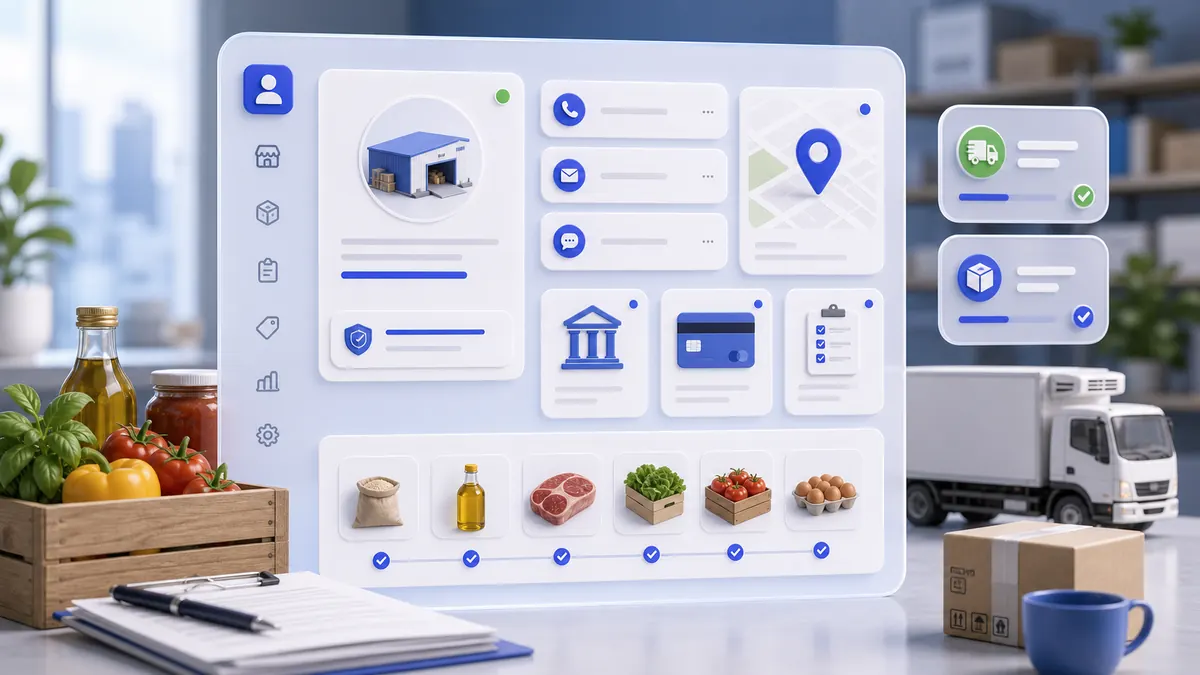
Suppliers

Create supplier profiles for companies and people that provide ingredients, packaging, equipment, services, or other goods to the business.

Section guide

Write-off Reasons

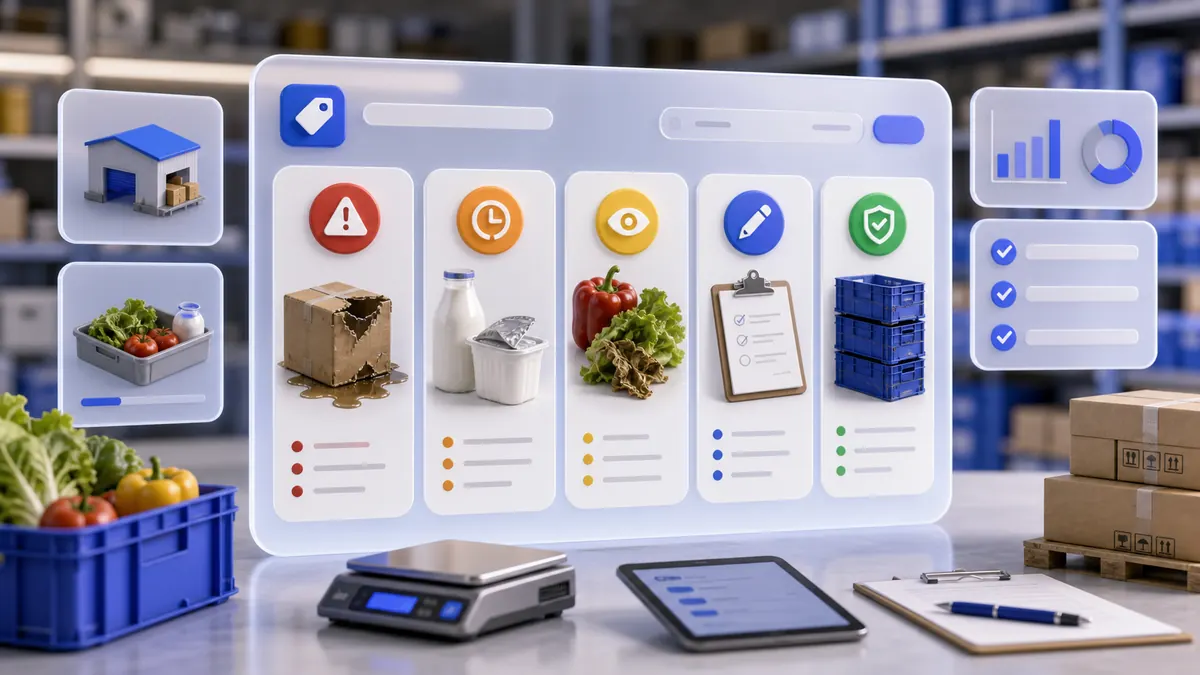
Create the approved reasons staff must choose when inventory is removed because of waste, spoilage, damage, expiration, correction, or another controlled stock loss.

Section guide

Supplies

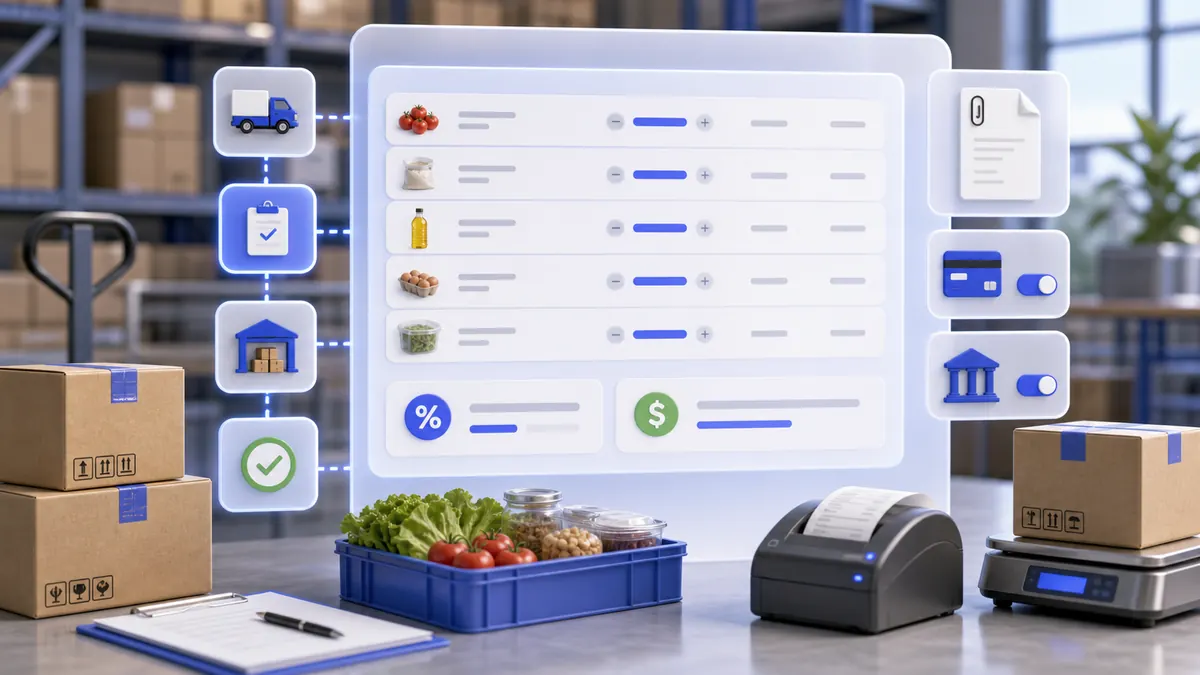
Receive inventory from a supplier into a storage location with invoice media, product lines, quantities, prices, tax, and optional payment transaction.

Section guide

Transfer

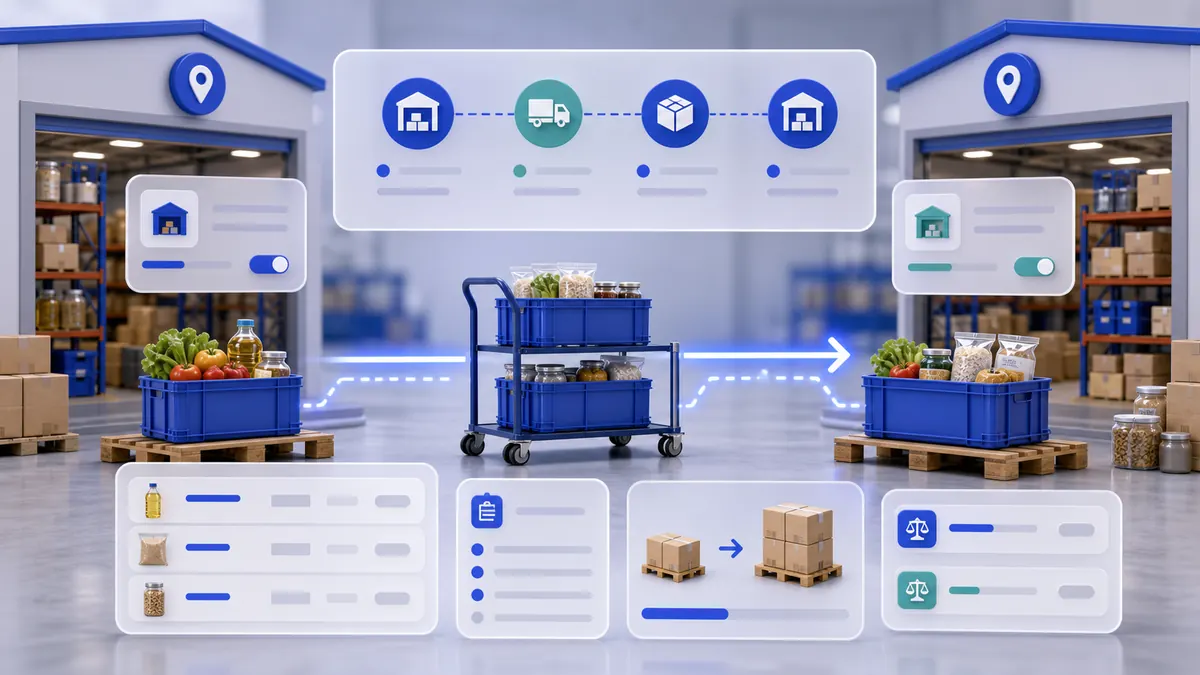
Move stock between warehouses with a transfer reason, source warehouse, destination warehouse, product lines, gross and net quantities, optional order type, comment, and saved transfer verification.
Section guide

Write-offs

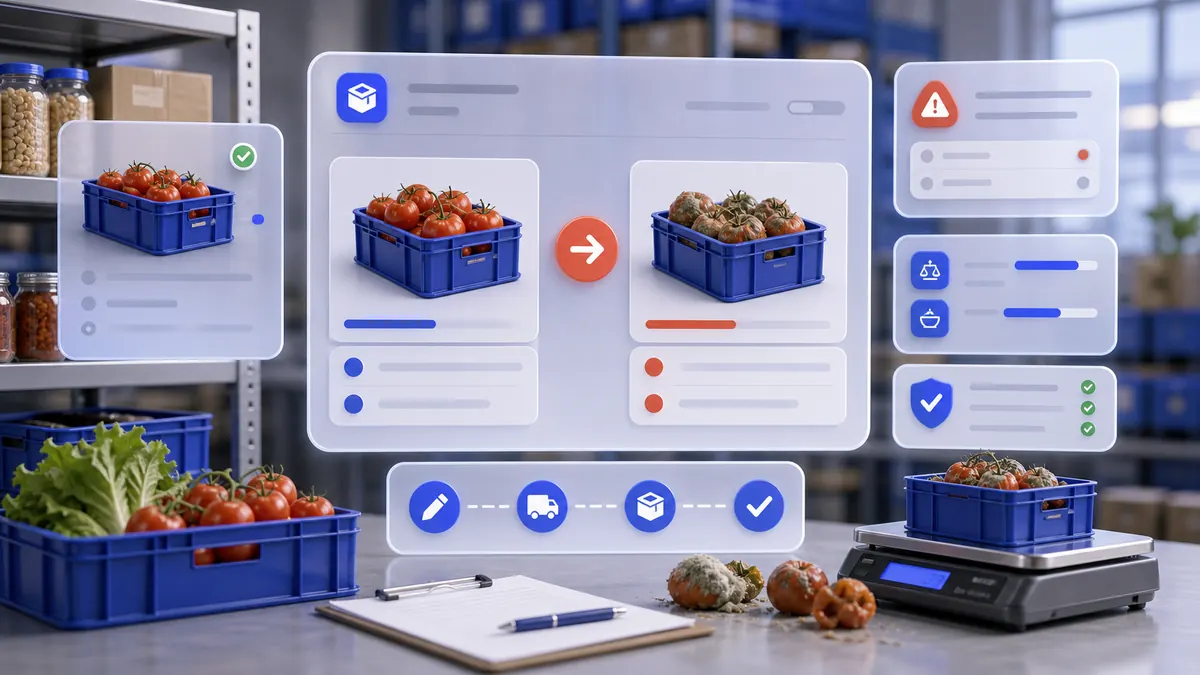
Write off damaged, expired, lost, or unusable stock with a real date, warehouse, write-off reason, comment, product line, Gross and Net quantities, Add, Save, and list verification.
Section guide

Positions

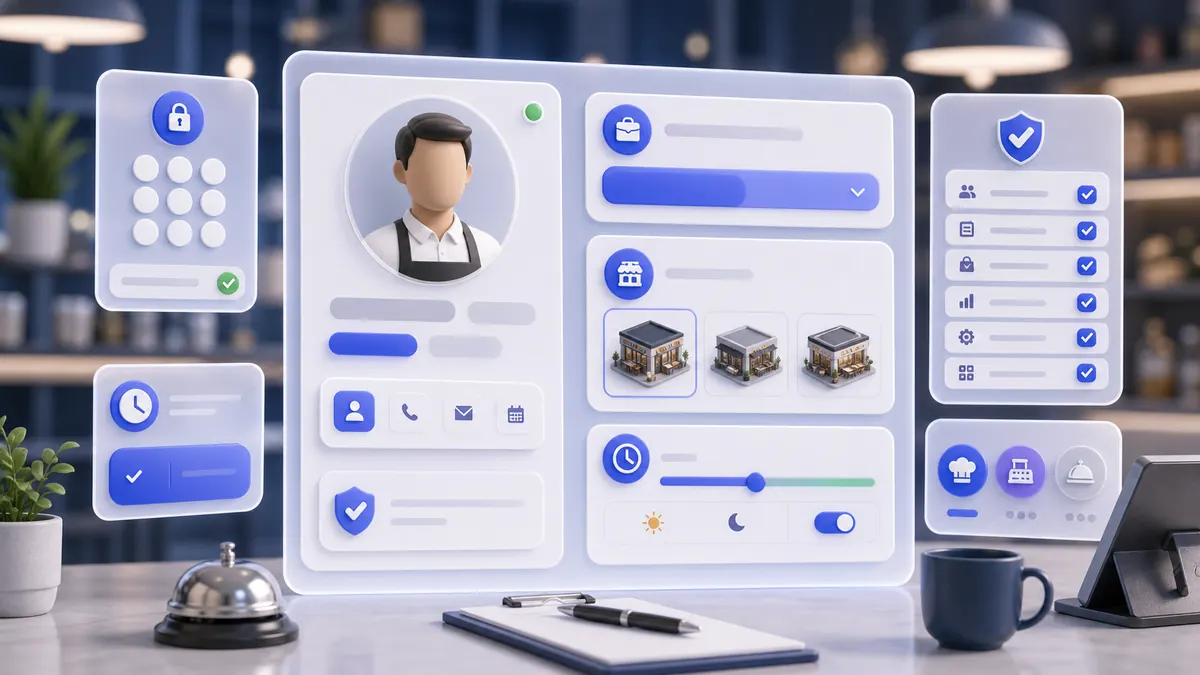
Create staff positions that define which SABSUS interfaces, modules, and customer-facing role visibility an employee receives.

Section guide

Staff

Create real employee profiles from the live Employees screen: photo, name, login email, phone, PIN, establishment, position, starting interface, access, tax identifiers, comments, gallery, and save.
Section guide

Taxes

Create the tax rules that SABSUS can apply to delivery, pickup, dine-in, catering, receipts, reports, and later automation.

Section guide

Receipts

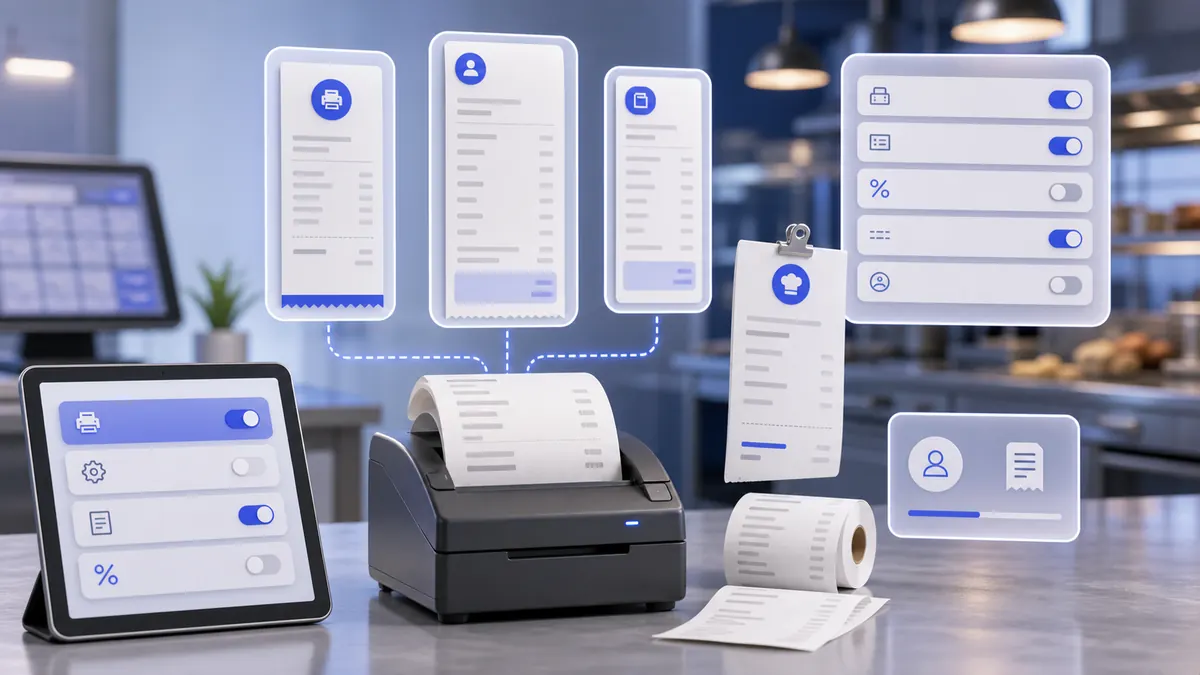
Configure what SABSUS prints on customer receipts, production receipts, Wi-Fi blocks, tax totals, customer data, and preview output.

Section guide

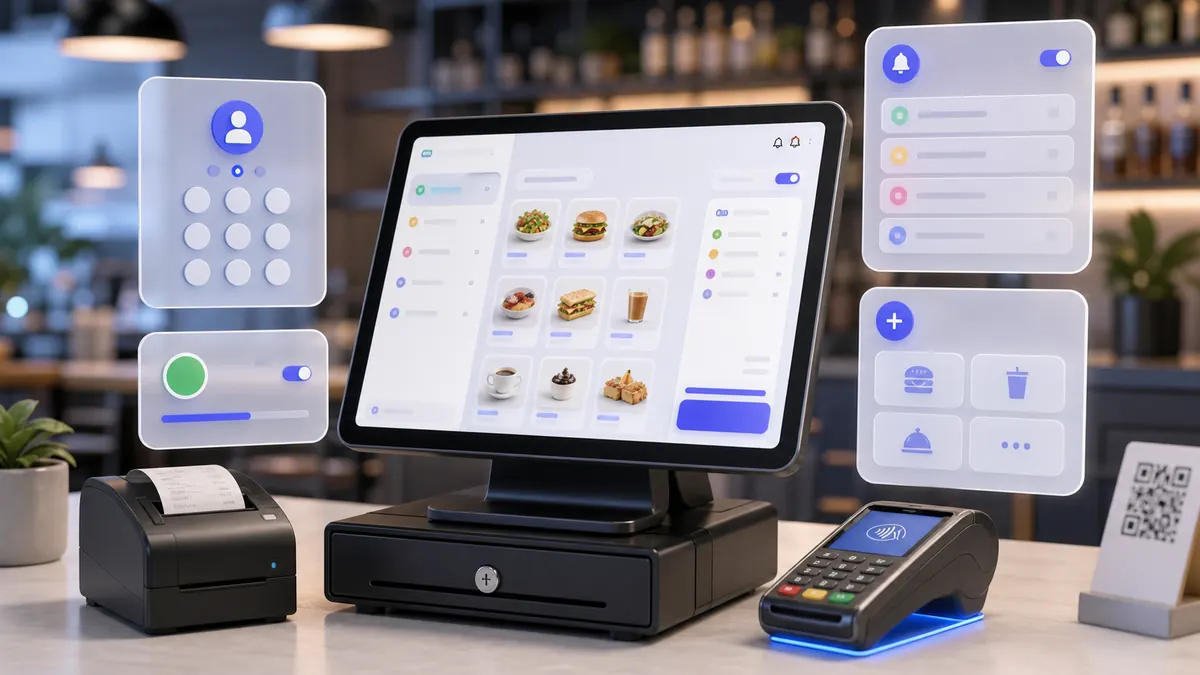
POS System

Use the real SABSUS POS entry screen at /logkass, enter the employee PIN, then work in the cashier terminal for shifts, orders, products, customers, payments, receipts, and order statuses.

Section guide

Customer Groups

Create customer loyalty groups that control discount or bonus behavior, deposit usage, registration bonuses, referral bonuses, birthday bonuses, point value, and redemption limits.

Section guide

Clients

Create and maintain customer profiles with photo, contact details, birthday, personal discount, discount card, short description, registration number, and internal service comment.

Section guide

Banners

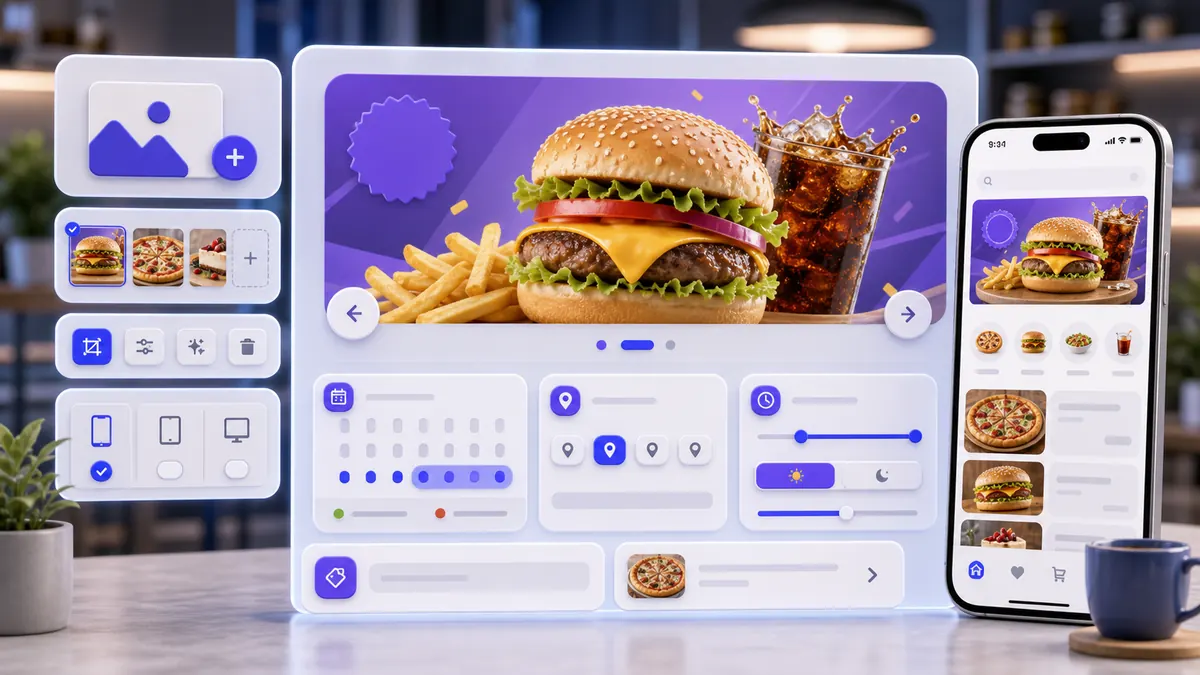
Create customer-facing promotional banners with media, availability, campaign dates, daily display window, locations, scrolling time, and optional product navigation.

Section guide

Campaigns

Create customer notifications and marketing campaigns with media, localized title and text, delivery channel, audience, context navigation, schedule, time zone, locations, and internal comments.
Section guide

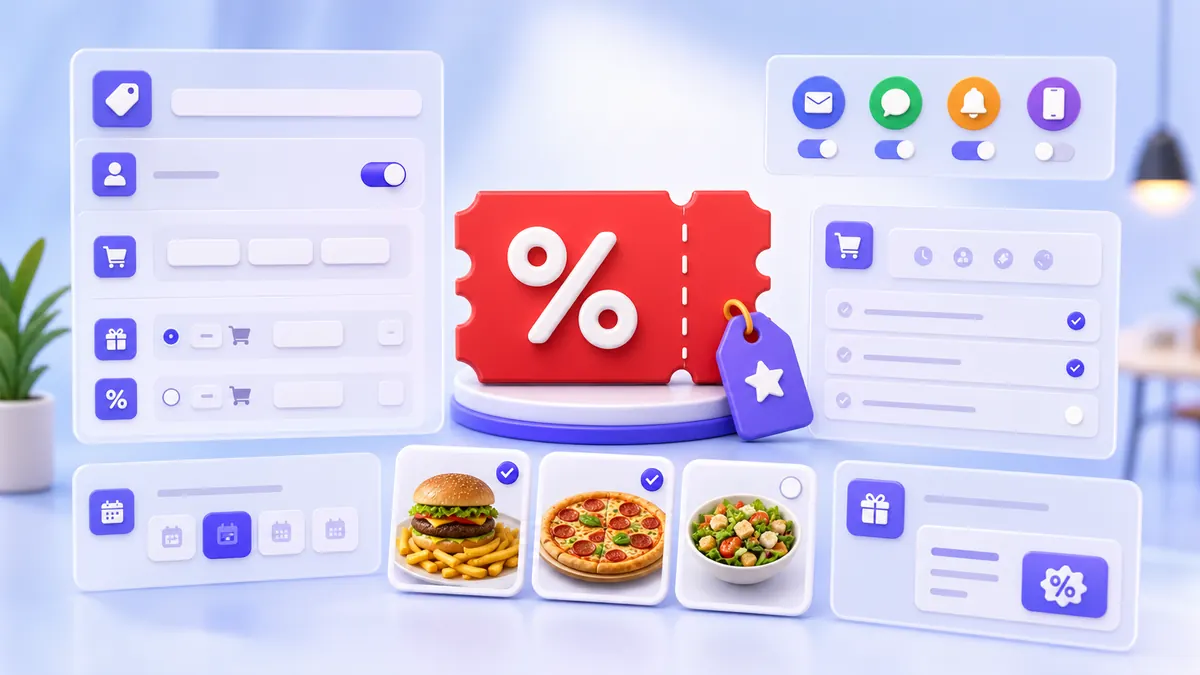
Promotions

Create discounts, promo codes, and promotion rules with media, customer visibility, dates, locations, schedule, participants, order conditions, and discount results.

Section guide

Security

Set the manager password and define when SABSUS must request it before critical actions.

Section guide

Voice Agents

Create and configure AI voice agents for callback calls, support, product lookup, recording, and telephony behavior.